Pages

Showing posts with label Game Assets. Show all posts

Monday, 3 July 2017

Maya Tutorial | Games Assets | Maps 1-11


Part 1 - Base Normal Maps

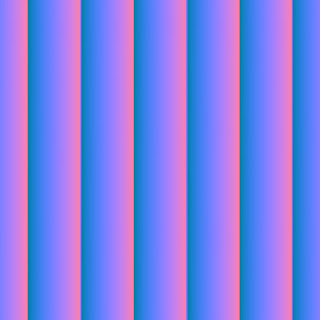
45 Angle Rope Normal Map

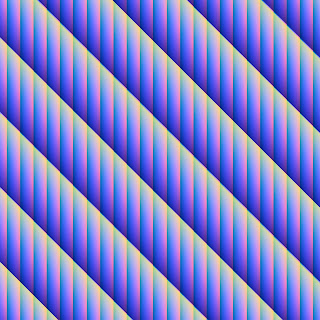
90 Angle Rope Normal Map

Combined Rope Normal Maps

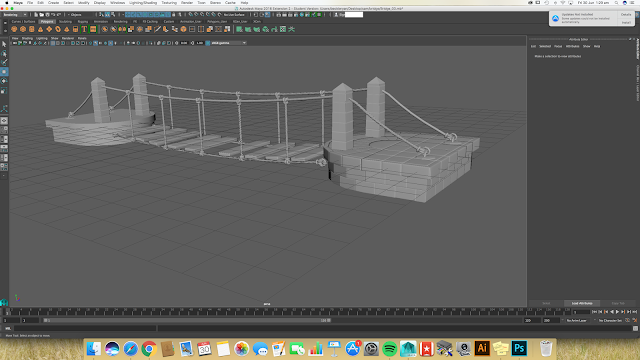
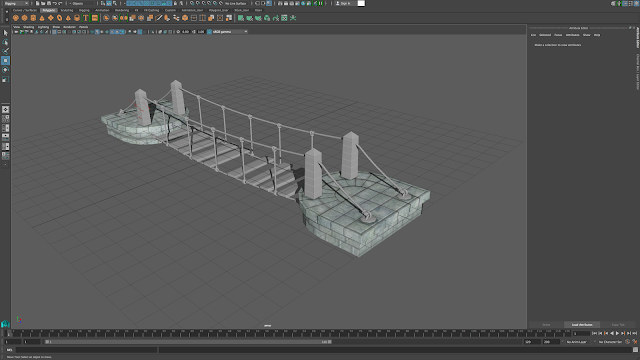
Rope Normals Attached to Bridge
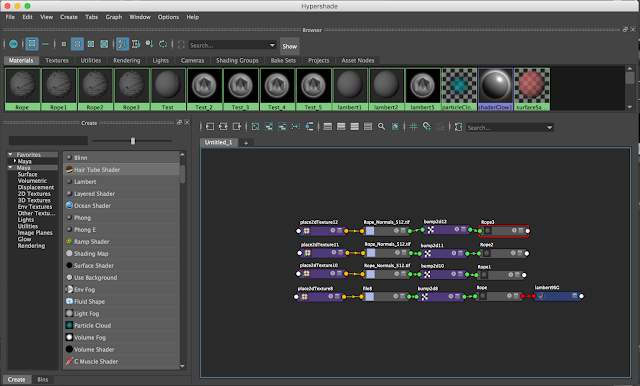
Hypershade for Rope Normals
I feel the rope normal map tutorial was a success. I think learning how to overlay normal maps using different blending options was interesting. I certainly think that the final combined outcome doesn't look too bad.

Part 3 - Ambient Occlusion Maps


The ambient occlusion tutorial took longer than i expected at my own error. This is because I didn't freeze the transformations before I export out the .OBJ files. Thus leaving me with a white Occlusion map. This has since been fixed and can be seen in the GIFs Above. 
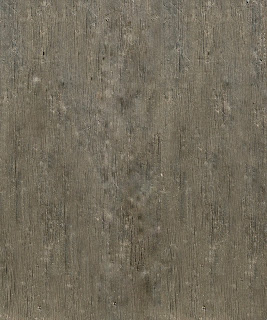


Part 4 - Base Diffuse Maps


Part 5 - Stone Base Maps


Part 6 - Pillar Maps

Part 7 -Rope Maps
Part 8 - Wood & Metal Maps

Part 9 - Diffuse Maps - Fabric Flag

Part 10 - Normal Maps Using Xnormal & Photoshop - Shield

Part 11 - Using Viewport 2.0 for Look Development & Rendering


Sunday, 2 July 2017

@Alan X-Normal Troubles | Games Asset Tutorial

I've recently started adding Occlusion Maps to the bridge model within Maya. The unfortunate problem is that when I bake the maps in XNormal, it becomes a white map with hardly anything that is needed on it. The example is below.


I've tried many different settings to try make the maps appear as they should. Nothing seems to be working. Should I bake out the occlusion maps in Maya or am i missing something in X Normal?